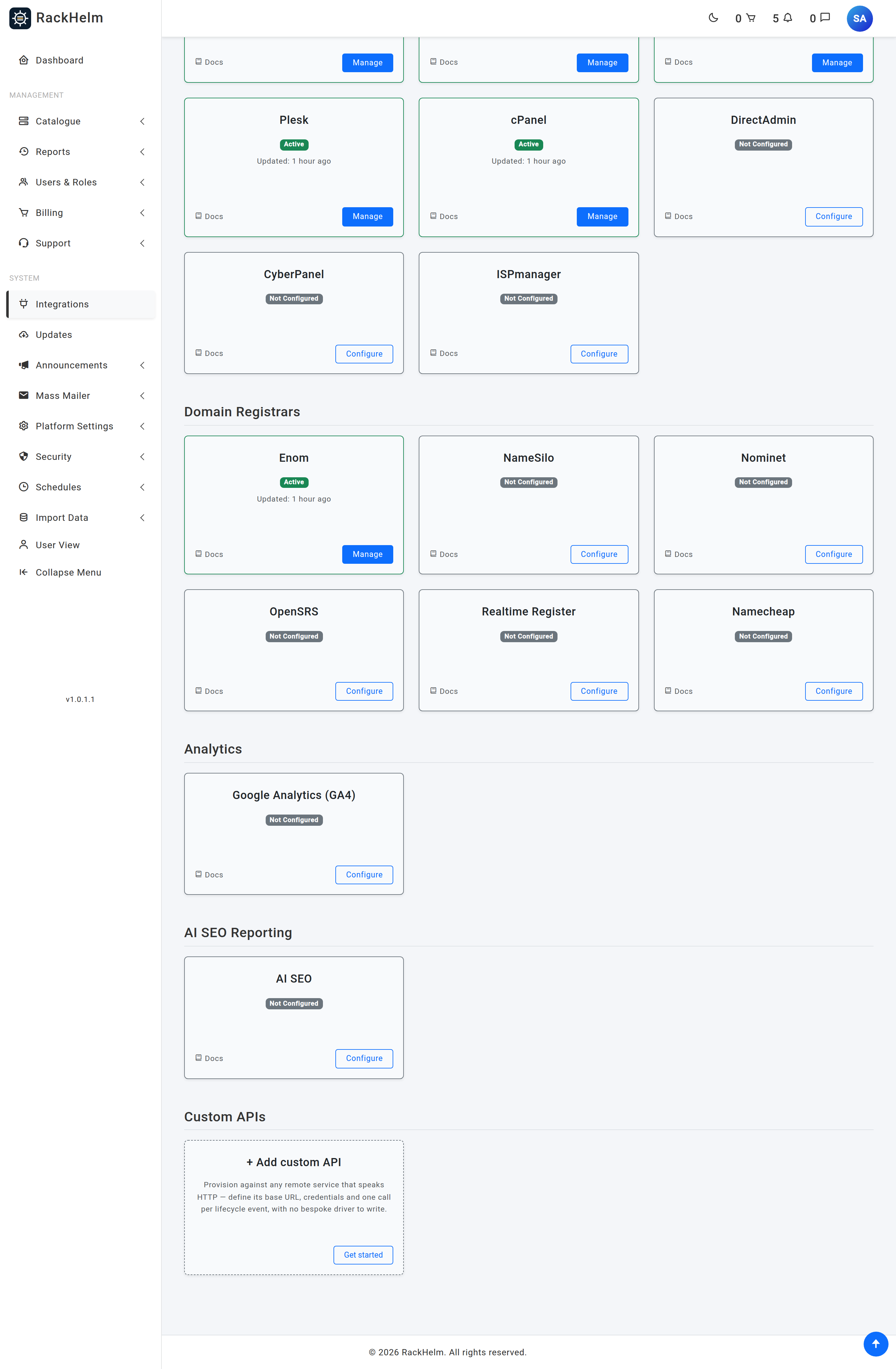
A Custom API integration lets RackHelm provision against any remote system that speaks HTTP, without anyone writing a PHP driver for it. You define where the API lives, how to authenticate, and one HTTP call per lifecycle event; RackHelm fires those calls when an order is placed, suspended, renewed, cancelled or terminated. This article is for operators deciding whether a Custom API is the right tool for a given supplier.
What it replaces #
Every other integration in RackHelm — cPanel, Plesk, Pterodactyl, eNom, Namecheap and the rest — is a driver: PHP that knows one provider’s quirks. A Custom API integration knows none of them. It reads a stored definition, renders your JSON template against the order, sends it, and records what happened.
That makes it the right answer whenever:
- you resell something with a modest REST API and no RackHelm driver — a licence server, a mailbox platform, a VPN provider, an in-house provisioning script;
- you have an internal system that should be told about orders, but does not need to be talked to conversationally — a fulfilment queue, a CRM, a stock ledger;
- you want a supplier notified of cancellations and renewals even though the actual provisioning is manual.
It is not the right answer when the provider needs a stateful conversation, a non-HTTP protocol, an OAuth refresh dance, or a file upload. RackHelm sends one request per event and reads one response.
The four things a Custom API is made of #
| Piece | What it holds |
|---|---|
| Integration | The connection: name, machine name, base URL, authentication, default headers, timeouts, the signing secret and the list of order variables the calls are allowed to send. |
| Endpoints | One HTTP call per lifecycle event — method, path, JSON payload template, query template, extra headers, what counts as success, and what to capture out of the reply. |
| Fields | Display rules that turn a captured value into something readable on the customer’s service page — a badge, a meter, a masked licence key. |
| Deliveries | The log. One row per attempted call, holding the request, the reply and the outcome. |
The events RackHelm can fire #
An endpoint is bound to exactly one event. Eight of the nine are lifecycle events raised by the portal itself; the ninth, action, is an open-ended button.
| Event | Fired when |
|---|---|
provision |
An order item is provisioned, through the standard provisioning pipeline. This is the only event whose failure marks the service as failed. |
suspend |
The service is suspended (for example by the dunning run). |
unsuspend |
The service is unsuspended. |
terminate |
The service is terminated. |
cancellation_requested |
A customer requests cancellation, or staff mark a package pending cancellation. |
renew |
A renewal invoice is paid for a service that qualifies for renewal. |
resource_change |
An addon changes the resources on a parent service. |
sync |
Defined in the vocabulary, but nothing in the portal raises it yet — see the note below. |
action |
A named button (a “reboot” or “reissue”). Distinguished from other actions by its Action key. |
Note: The
syncevent and customer-pressedactionbuttons are not wired to a trigger yet. The customer-facing Refresh and action routes exist but currently answer “not available yet”. You can define endpoints for them today — they will be exercised by the Test tab and by a delivery replay — but nothing fires them automatically. Everything else in the table above is live.
An event with no endpoint configured does nothing at all. That is deliberate: an integration that only wants to hear about provisioning and termination is a legitimate configuration, not a half-finished one, and a missing endpoint never fails a customer’s service.
How a product is attached #
An integration on its own calls nothing. You attach it to a product by opening Catalogue → Catalogue & Groups, editing the product, choosing Custom API as its integration type and picking the integration from the list. Behind the scenes the product stores the integration’s id under config['custom_api_id'] — that key is the canonical binding, and it is what every part of the feature reads.
Product addons carry their own integration, so an addon served by a Custom API gets its own events rather than riding on the parent’s.
What RackHelm guarantees about the outbound call #
- TLS verification is always on. There is no “ignore certificate errors” option anywhere in this feature.
- The destination is checked before every send, not only when you saved it. Private, loopback and link-local addresses are refused, and the connection is pinned to the address that was checked.
- Credentials never reach the log. They are stored encrypted, excluded from the audit log, masked before a delivery row is written and masked again before it is shown.
- Nothing outside your allowlist is interpolated. Order variables are only sent if you named them on the Data exposure tab.
- The response body has a ceiling. A reply larger than the integration’s Max response stored is refused rather than truncated and mis-parsed.
Before you start #
Warning: Managing Custom APIs requires the
manage_custom_apispermission, which is granted to Super Admin only out of the box — the Administrator role is explicitly denied it in the role seeder. This is on purpose: whoever can create a Custom API chooses the destination URL and the payload, which is both a server-side request forgery primitive and a pipe for client personal data and service credentials to a server of their choosing. Grant it per-install, deliberately, from Users & Roles → Roles & Permissions.
You will also need, from the supplier:
- the base URL of their API;
- credentials, and which scheme they use (basic, bearer, a named header, or a query parameter);
- the path and request shape for at least a “create” call;
- a way for them to verify a signed request, if they want one.
Where to go next #
- Creating a Custom API integration — the connection itself.
- Custom API endpoints — one call per event.
- Worked example: a licence key API — the whole thing end to end.


