If you already hold domains at a registrar before adopting RackHelm, the domain importer creates the matching local records — an order, an order item and a due date synced to the registry expiry — so those names appear in the right customer’s account and start renewing through your billing. This article is for operators; the provider cache it relies on is described in How domain registration works in RackHelm.
Before you start #
- The
edit_company_settingspermission for the multi-registrar importer at/admin/import/domains. - A configured, tested registrar panel — the importer reads a local cache that only fills once the registrar has been contacted successfully.
- TLD products in your catalogue. A domain whose TLD has no product is still imported, but with no product and a unit price of 0.
- The customer accounts the domains belong to must already exist.
Step 1: fill the provider cache #
The importer never calls the registrar live. It lists what is in the provider_domain_caches table, which is filled by the SyncProviderDomains job. Run it once before your first import:
php artisan domains:sync-providersThe job pulls the full domain list from every registrar panel you have configured, storing one row per domain with its provider, expiry date and lock status. eNom and NameSilo have bespoke sync paths; Nominet, OpenSRS, Realtime Register and Namecheap share a generic one built on each driver’s listAllDomains(). Expect it to take a while on a large portfolio — it fetches per-domain detail for anything not seen in the last 24 hours, and the final cache-warming pass deliberately pauses between calls to respect rate limits.
Step 2: choose the registrar and the owner #
- Open Import Data → Registrar Domains Importer in the admin sidebar, or go to
/admin/import/domains. - Pick the registrar from Select Registrar. The list is eNom, NameSilo, Nominet, OpenSRS, Realtime Register and Namecheap; changing it reloads the page.
- Choose the customer under Assign Selected Domains To User. Every domain in this batch goes to that one account, so import one customer at a time.
- Tick the domains to import, or use the header checkbox to select all.
- Press Import Selected Domains.
What the list shows #
| Column | Meaning |
|---|---|
| Domain | The full name as the registrar reports it, lowercased. |
| Expiry / Renewal Date | The registry expiry from the cache, or N/A if the registrar did not report one. |
| Status | The cached lock/registry status — typically Locked, Unlocked or Unknown. |
What the import creates #
For each selected domain, in a single database transaction:
- An order for the chosen user with status
active, on the 12-month Annually billing cycle, with its due date set to the registry expiry. - An order item already marked
provisioned— the domain exists at the registrar, so nothing should be provisioned again — withexpires_atset to the same expiry. - Order variables recording
DomainName(the label),domain(the full name),tldandprovider.
The unit price comes from the TLD product’s annual renewal price, falling back to the product’s base price, and to 0 if no product matches. Product matching is deliberate: RackHelm first looks for a product named after the TLD that is bound to this registrar, and only falls back to any product with that name. That keeps .com at eNom and .com at Namecheap on the right records if you resell the same TLD through two registrars.
Note: Where an expiry is missing, the importer dates the record one year from today. Correct those manually afterwards, or the first renewal invoice will go out on the wrong date.
The eNom-specific importer #
eNom also has its own importer at /admin/panels/import/domains, gated on edit_integrations rather than edit_company_settings. Nothing links to it — it is reachable only by typing the URL. It does the same job for eNom only. Prefer the multi-registrar screen: its duplicate detection is stronger — it recognises an existing domain by the item’s stored external identifier, by a domain variable, or by rebuilding the name from DomainName plus the product name, where the eNom screen checks only the domain variable.
After importing #
- Spot-check a few records: open Clients → the customer → their services and confirm the domain, expiry and price.
- Set up the recurring sync. The provider cache also powers transferred-away detection and warms the domain page’s live data, so it wants to run on a schedule, not just before imports.
- Remember every imported order sits on the annual cycle. Customers who bought multi-year terms need their cycle changing by hand.
Troubleshooting #
| Symptom | Cause and fix |
|---|---|
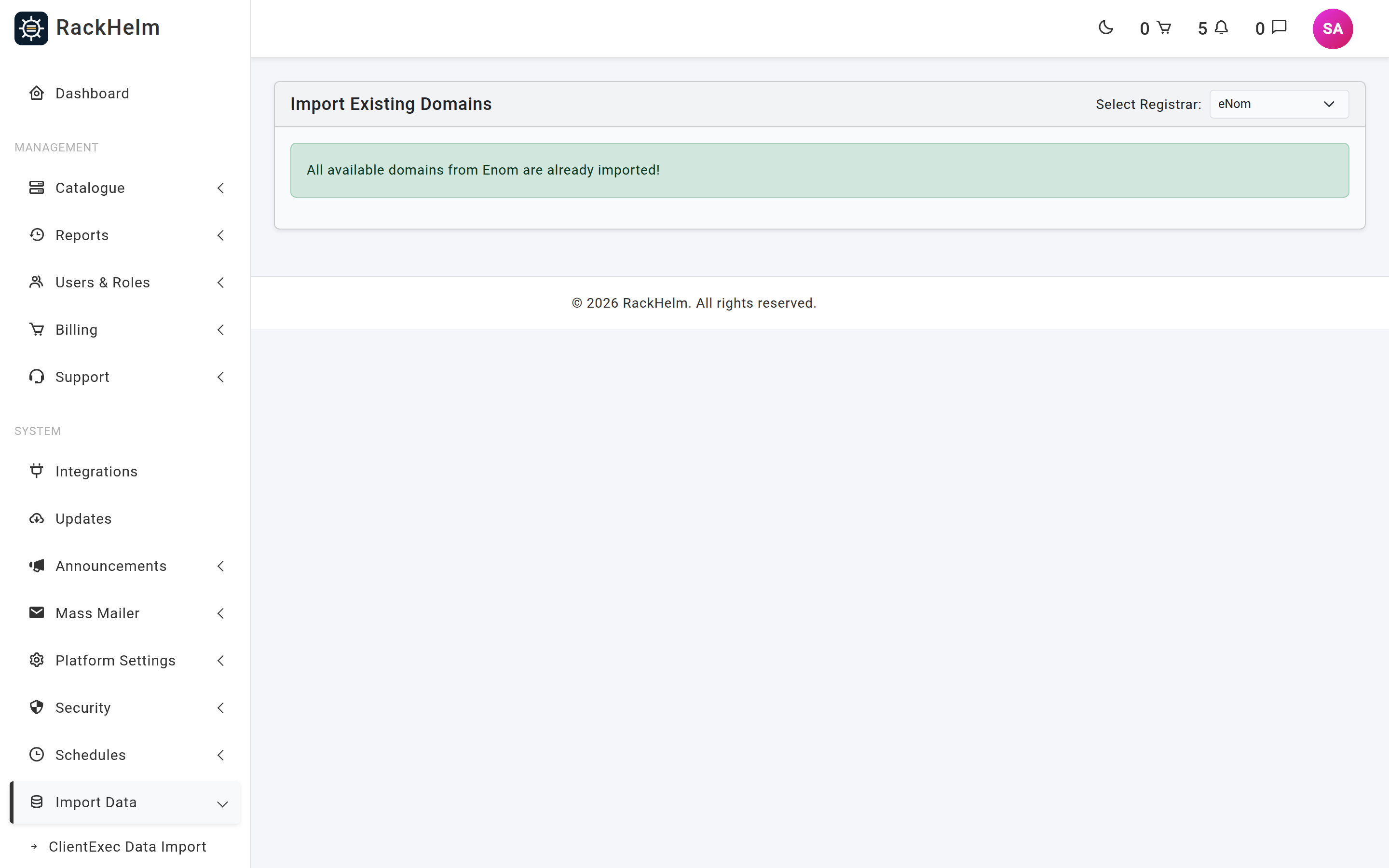
| “All available domains from … are already imported!” | Either everything genuinely is imported, or the cache is empty for that registrar. Run php artisan domains:sync-providers and reload. |
| The list is empty for one registrar only | That registrar’s sync failed. Look for a “… Sync Failed” line in storage/logs/laravel.log; the usual cause is credentials or IP allowlisting. |
| “Failed to load cached domains for …” | The cache table could not be read. Check migrations have run. |
| Import fails and nothing is created | The whole batch is one transaction and rolls back completely. The error is shown on screen — most often an unparseable expiry date coming from the registrar. |
| Imported domains show no product and £0 | No product matched the TLD. Create the TLD product, delete the imported items and import again, or set the product and price on each item by hand. |
| A domain reappears in the list after importing | Duplicate detection could not match it — usually because the item’s variables lack both domain and DomainName. Do not import it twice; fix the existing record instead. |
| Imported services get cancelled a couple of days later | The provider cache went stale and the transferred-away detector fired. It only acts after 48 hours without a refresh, so run the sync job on a fixed schedule. |


